Making AI work
beyond prompts
After two years of designing with AI, I learned that the real challenge is not generation. It is building a workflow that a team can trust, inspect, and extend.
Give AI working memory
Before I ask AI to research, design, or build, I define the project context: what the product is for, who it serves, what has been decided, and where the boundaries are.
I keep the durable parts of that context in small Markdown documents. They hold user needs, decisions, language, and standards, and are updated as the project evolves.
When the work depends on current information, MCP connects AI to the relevant sources and tools. It works from the project’s live state, rather than a summary assembled for a single prompt.

Harness the AI
More instructions are not a safeguard. AI can read and edit them, which means the system expected to follow the rules can also weaken or bypass them.
I tested several approaches, including parallel agents. They were not reliable enough for design work, where constraints and quality checks need to remain consistent. I moved those checks into hooks, which run at defined points before work can continue.
Hooks sit outside AI’s control. They can block unsafe actions, require checks, and return incomplete work for correction before it reaches the project.


Sync everything with the team
Agent work often disappears into private prompt history. The decisions, assumptions, and failed attempts behind a result are invisible to everyone except the person who ran the session.
When the work needs to outlast a session, I use the spec-driven model behind GitHub’s Spec Kit. I capture requirements, decisions, and implementation plans in versioned specs committed to the repository.
That turns private context into a shared record. Designers, engineers and other agents can inspect the intent, challenge the plan, and continue the work without reconstructing it from their own prompts.


Share with colleagues
& build knowledge base
Personal workflows do not change a team. If the knowledge stays with me, every designer has to rediscover the same tools, patterns, and failure modes alone.
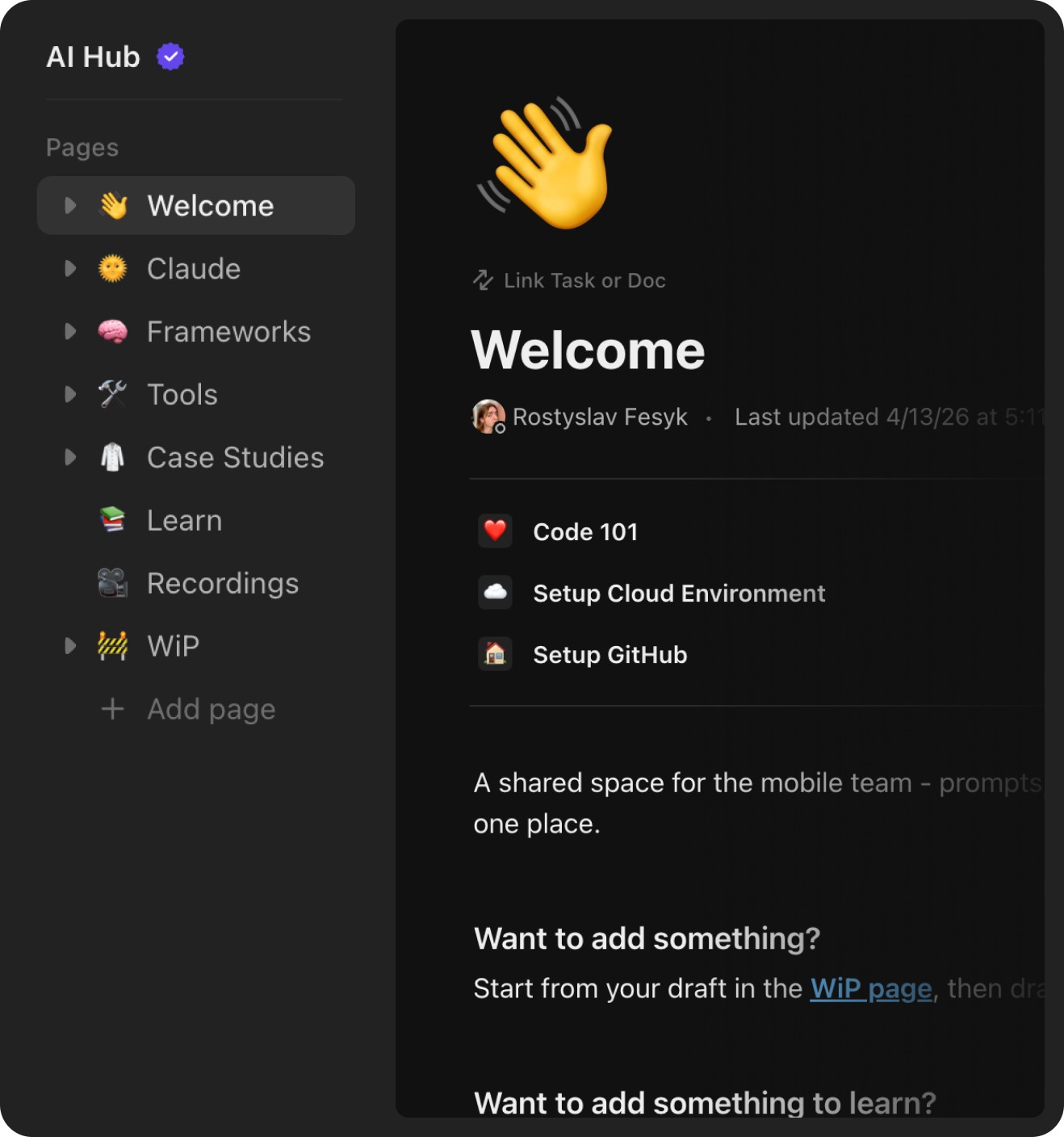
I created an AI Hub for the design team, turning my researches into reusable guides, feature demos, examples, and case studies.
I built the hub around the questions people actually had: where to start, what a tool is good for, and how it has worked on real design tasks.
Outside the design team, I also ran AI lectures for non-designers. I showed practical use cases and gave people a shared language for discussing how AI could support the work.